

Congratulations! Your order qualifies for free shipping 🚚 ALL ORDERS WILL BE SHIPPED WITHIN 24 HOURS | FREE SHIPPING ✅

Panier 0

Congratulations! Your order qualifies for free shipping Vous êtes ||montant|| loin de la livraison gratuite.
Add order notes
Sorry, looks like we don't have enough of this product.

Pair with
Subtotal Free
Shipping, taxes, and discount codes are calculated at checkout
Elysian foto van antwerpen

Configuring the Tracker

Configure Tracker in 3 Easy Steps

Step 1

Find-Place App

Open the Google Find Place app or download it from the Google Play Store


Step 2

Turn the Tracker On

  • Press the power button (A) on the tracker once.
  • You will hear a beep, which indicates that the tracker is enabled.
 

STEP 3

Open the Find Place app and add the Tracker

  1. Open the "Find-Place" app on your Android device. Download the app from the Google Play Store if necessary.
  2. The tracker should automatically appear in the app.
  3. Once the tracker appears, click "Connect." Follow the steps to complete the installation.

Your tracker is now ready to use.


Additional Information

To upload
Disconnect
Reset
To expand

Charging the Tracker

Wireless Charging : Place the tracker on a Qi-compatible wireless charger (not included).
Charging indicator : While charging, the red light (B) will be on. The light will turn off when the tracker is fully charged.
Battery life : A full charge lasts up to 6 months, depending on usage.
Disconnecting the Tracker

Remove the tracker from the Find-Plek app :
• Open the Find-Plek app and select the ` Objects` tab.
• Tap your object in the list.
• Make sure “ Lost Mode ” is turned off.
• Scroll to the bottom of the screen and tap on ` Delete item `.
• A summary will appear, tap Delete to confirm.

After a few seconds you will hear a ringing sound from the tracker.

Resetting the Tracker

Reset the tracker to factory settings :
• After successfully removing the tracker from the Find My app, quickly press the tracker's function button (A) four times.
• You will hear a beep with each press.
• Then press and hold the button the fifth time until you hear a ringing sound.
• The Item Locator is now reset and ready to be paired with a new device.

Disable the tracker

You can temporarily disable the tracker to save battery. Please note that the tracker will no longer be visible in the Find My app when it is disabled. If you want to unpair the tracker, make sure it is enabled.

To turn off the tracker, press and hold the function button (A) for three seconds. You will hear two beeps if this is successful.

Perfect Combination with Our Card Holders and MagSafe Wallets

Complete your tracker experience with our stylish wallets, card holders and MagSafe wallets. They are specially designed to work seamlessly with the Airtag Tracker Card, so you can not only keep your valuables safe, but also carry them in style.

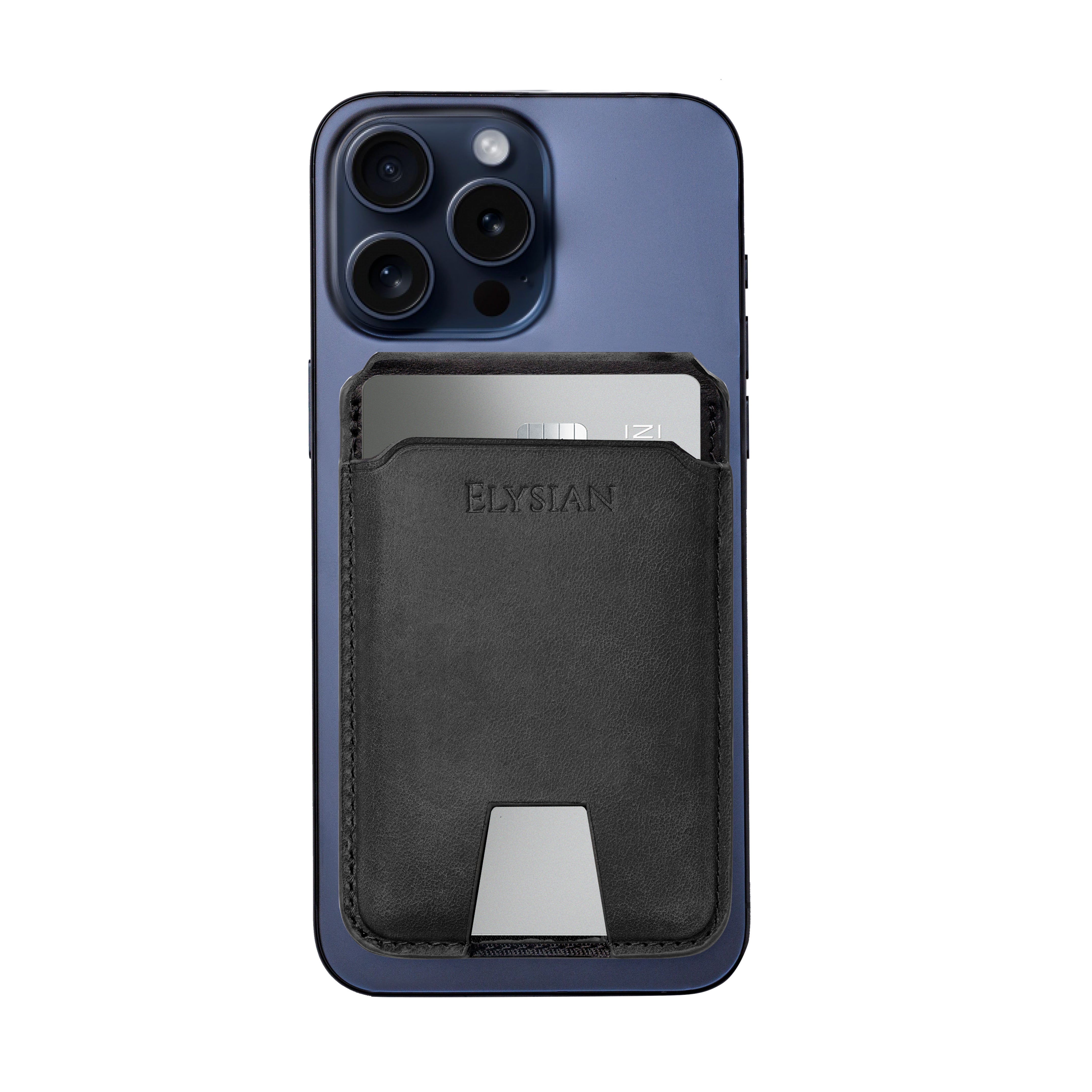
elysian-pasjeshouder-magsafe-zwart-ELYWAM001-front_card_iphone
 
elysian-pasjeshouder-magsafe-zwart-ELYWAM001-front_card_iphone
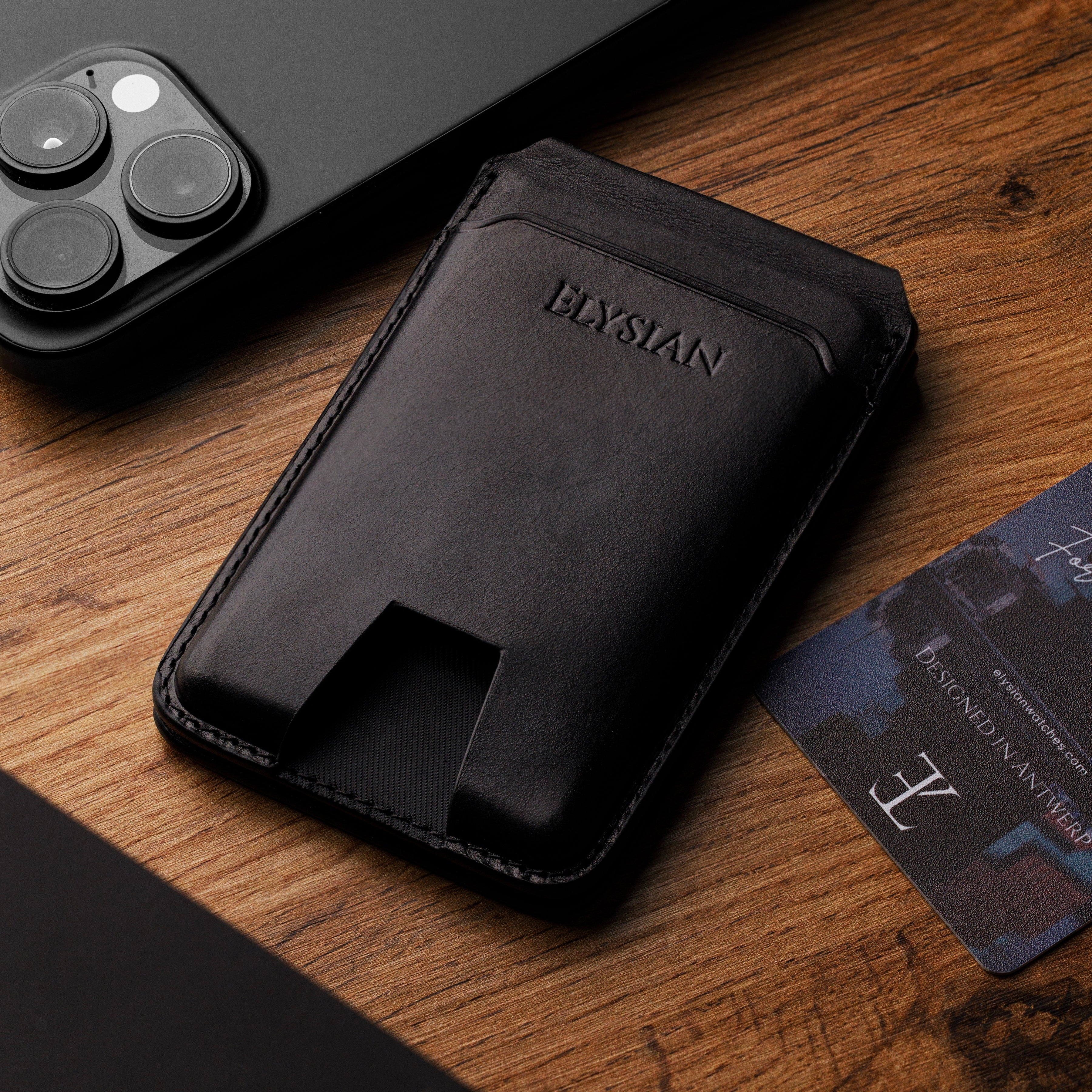
elysian-pasjeshouder-magsafe-zwart-ELYWAM001-detail2
Sold Out

MagSafe Wallet - Black

Sold Out
2 colors
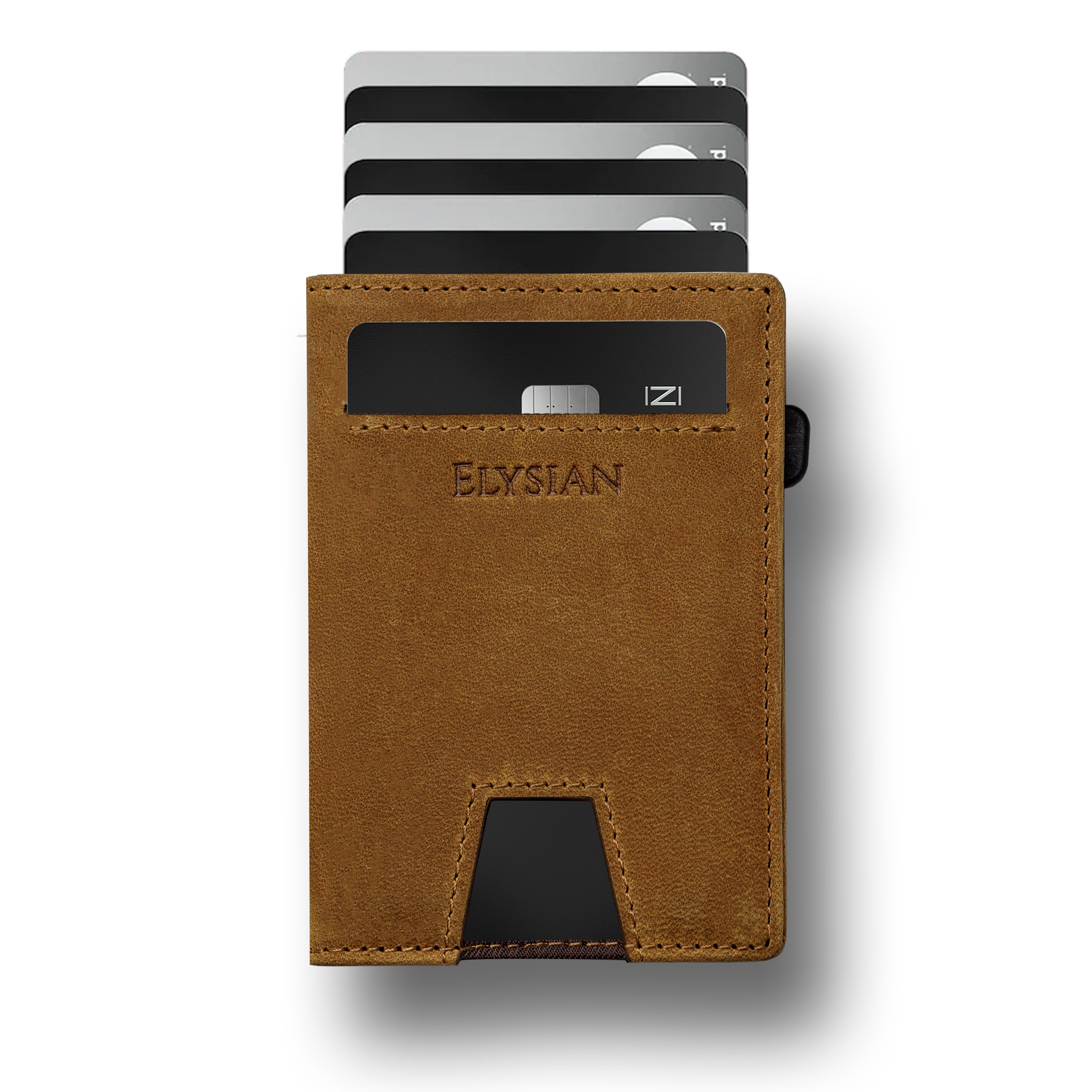
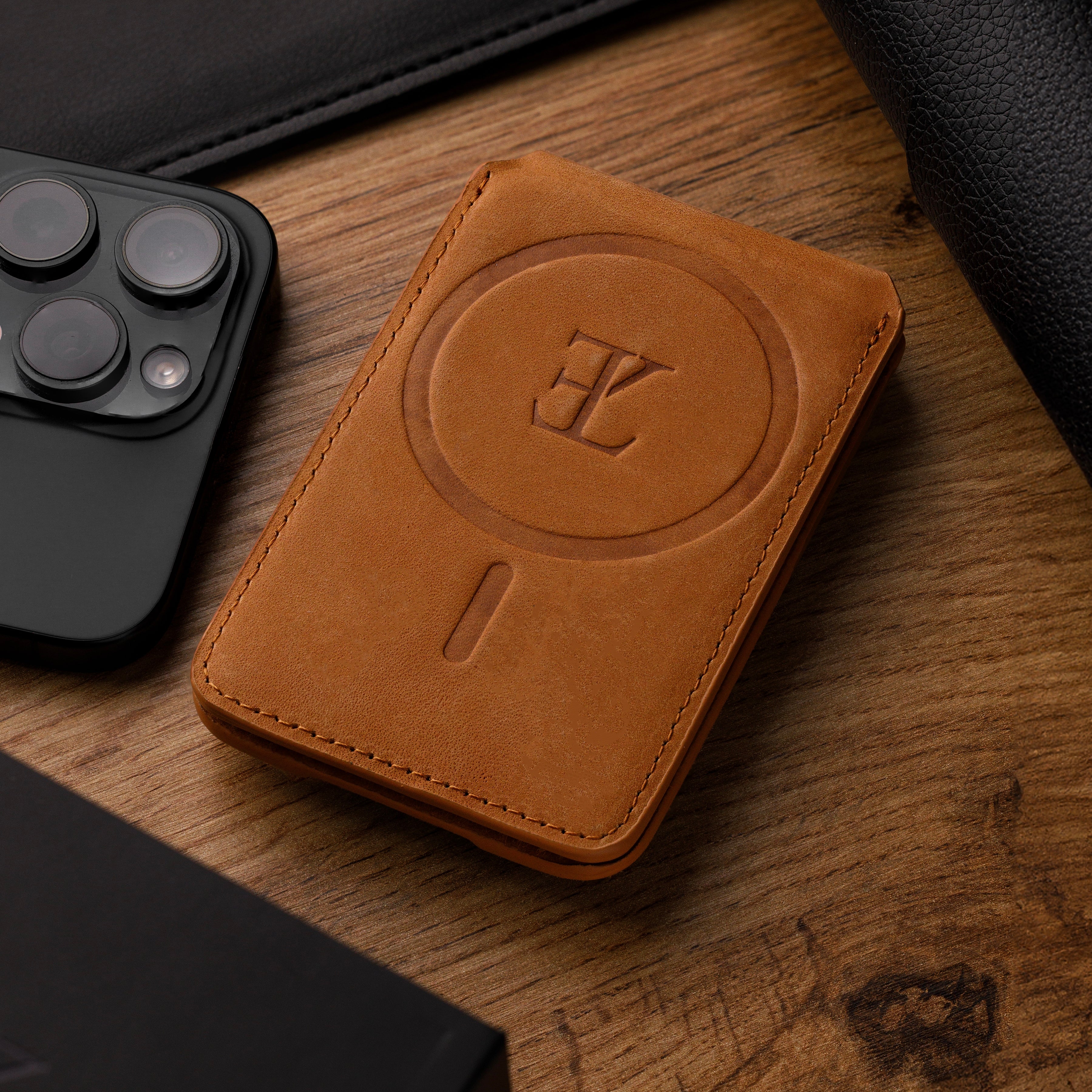
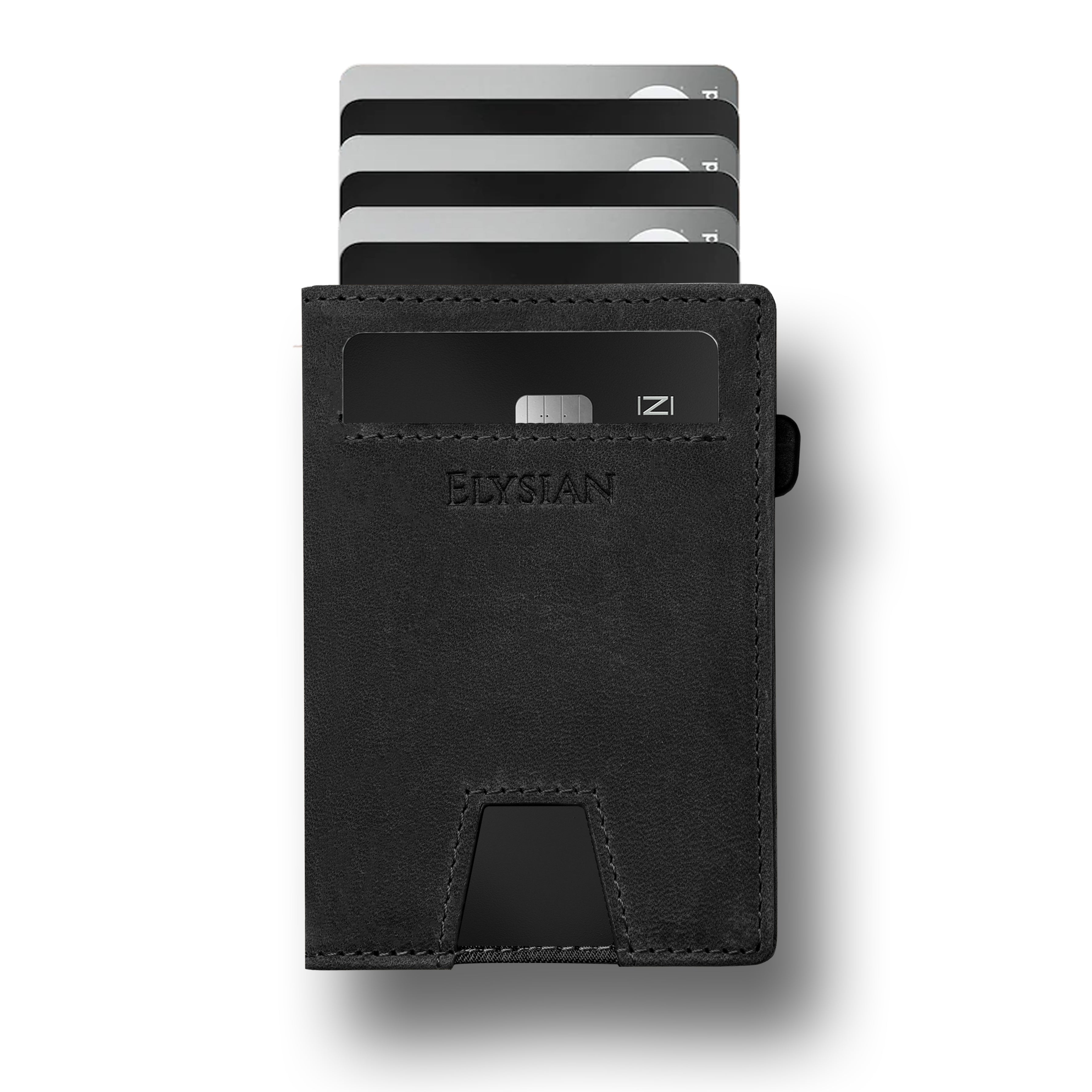
elysian-pasjeshouder-bruin-ELYWAM100-front_cards
 
elysian-pasjeshouder-bruin-ELYWAM100-front_cards
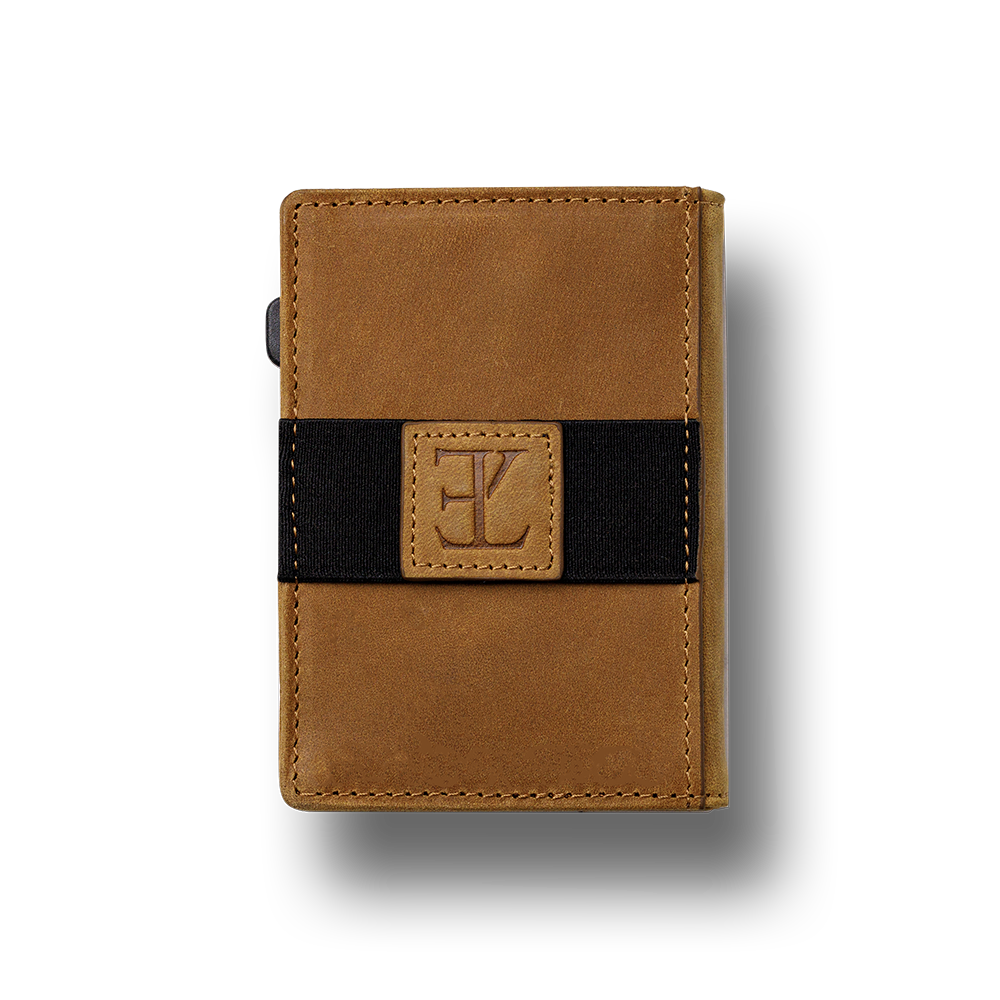
elysian-pasjeshouder-bruin-ELYWAM100-back
Sold Out

Card holder - Brown

Sold Out
2 colors
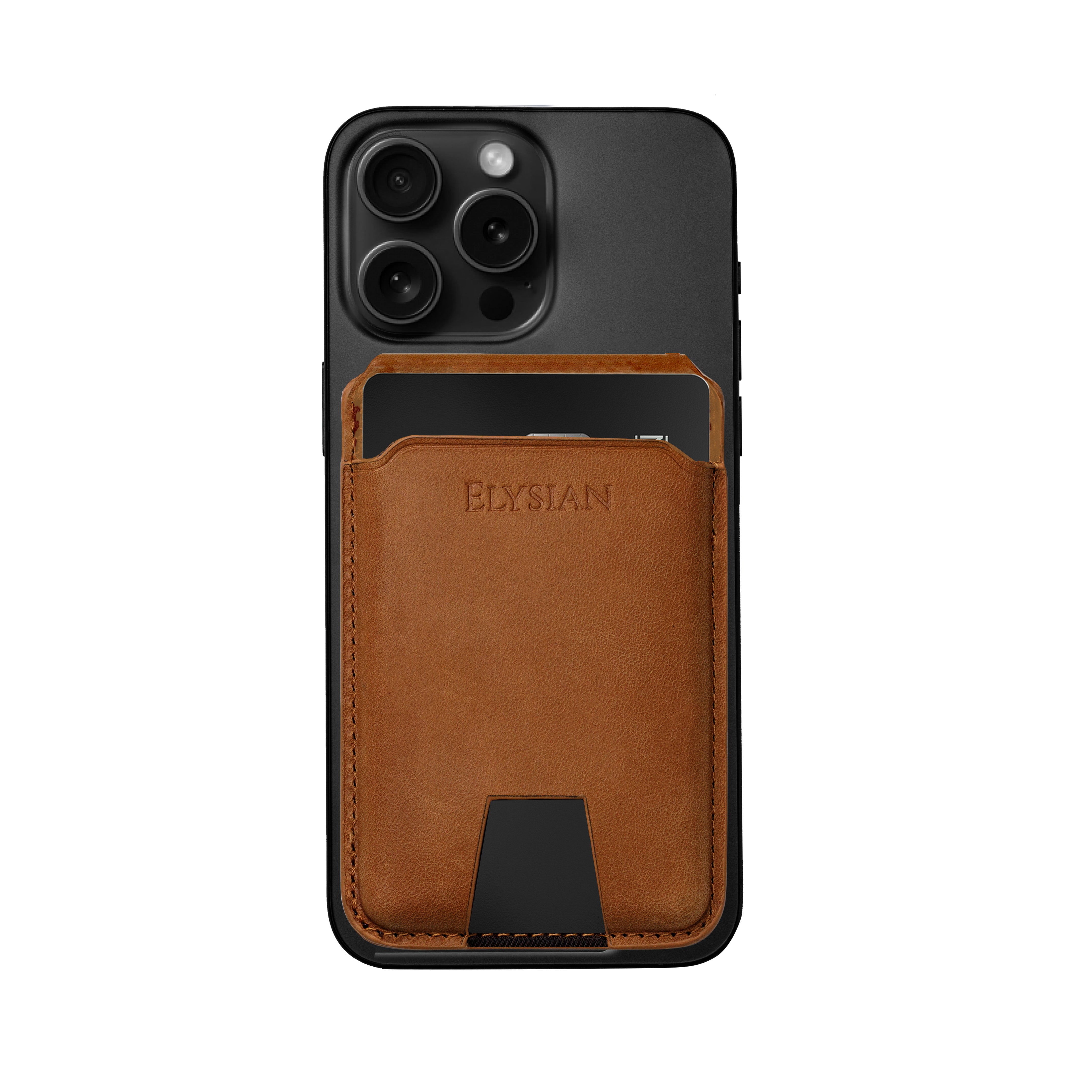
elysian-pasjeshouder-magsafe-bruin-ELYWAM000-front_card_iphone
 
elysian-pasjeshouder-magsafe-bruin-ELYWAM000-front_card_iphone
elysian-pasjeshouder-magsafe-bruin-ELYWAM000-detail_back
Sold Out

MagSafe Wallet - Brown

Sold Out
2 colors
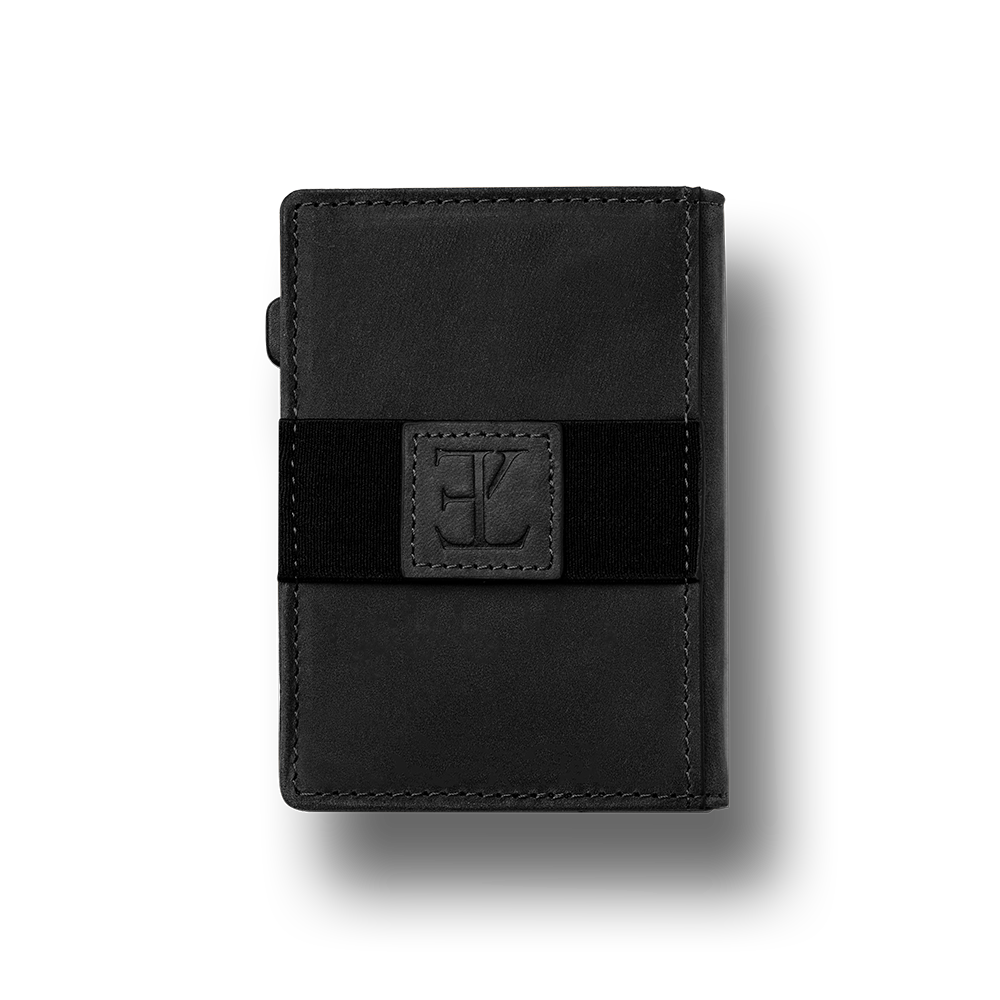
elysian-pasjeshouder-zwart-ELYWAM101-front_cards
 
elysian-pasjeshouder-zwart-ELYWAM101-front_cards
elysian-pasjeshouder-zwart-ELYWAM101-back
PROMO

Card holder - Black

€64,00
2 colors

Frequently Asked Questions (FAQ's)

How do I know when the battery is low?

The Google Find Place app will notify you when the tracker's battery is low.

What does IPX7 waterproofing mean?

IPX7 means the tracker is waterproof up to 1 meter for 30 minutes, ideal for everyday use.

Do I need a subscription to use the tracker?

No, there are no additional apps or subscriptions required. Everything works through the integrated Google Find & Place app.